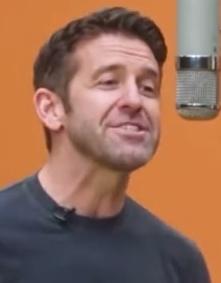
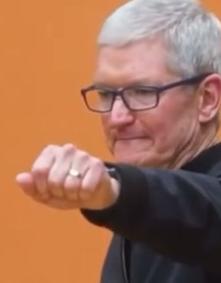
Reference Photos
Silicon Valley Rap Cypher
AI PerformanceCreate your duo
Your next duo starts here. Credit packs and flexible subscriptions.
Get Credit PacksTurn two photos into a Hotel Lobby AI duo video in an orange recording studio. Watch the free demo, then choose your settings. Creating your own video requires paid credits.
AI-generated example · Results vary
THE PHOTOS. THE PERFORMANCE.
Hotel Lobby AI uses one portrait of each person to create a short duo performance in a fixed orange studio scene. Start with faces that are clear and well lit; the people do not need to be photographed together. The result is AI-generated, so appearance and movement can vary.
See how familiar faces become an unexpected double act. AI reference examples for inspiration; your results will vary.
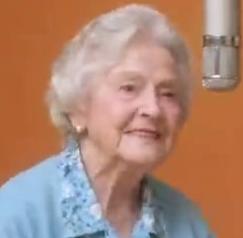
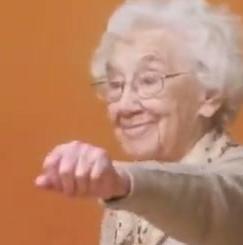
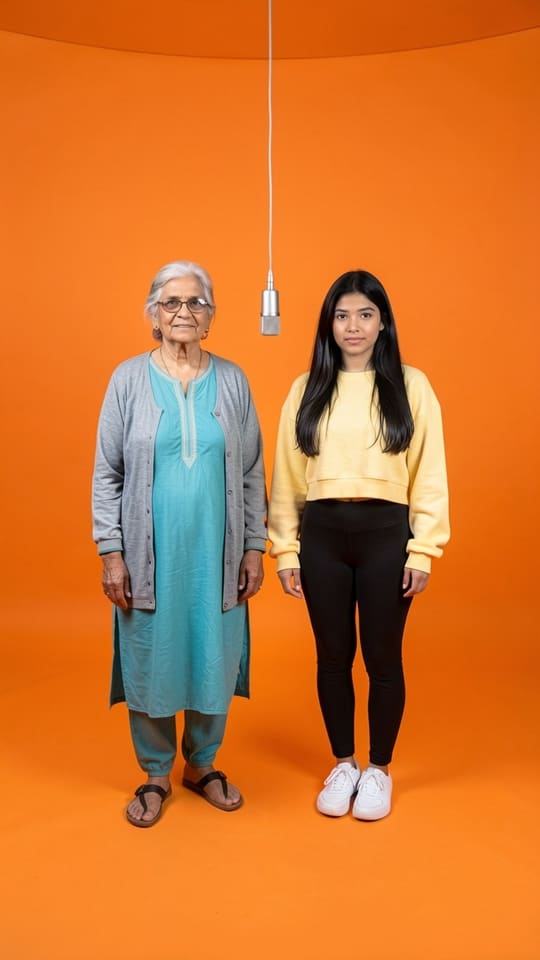
FROM PHOTOS TO PERFORMANCE
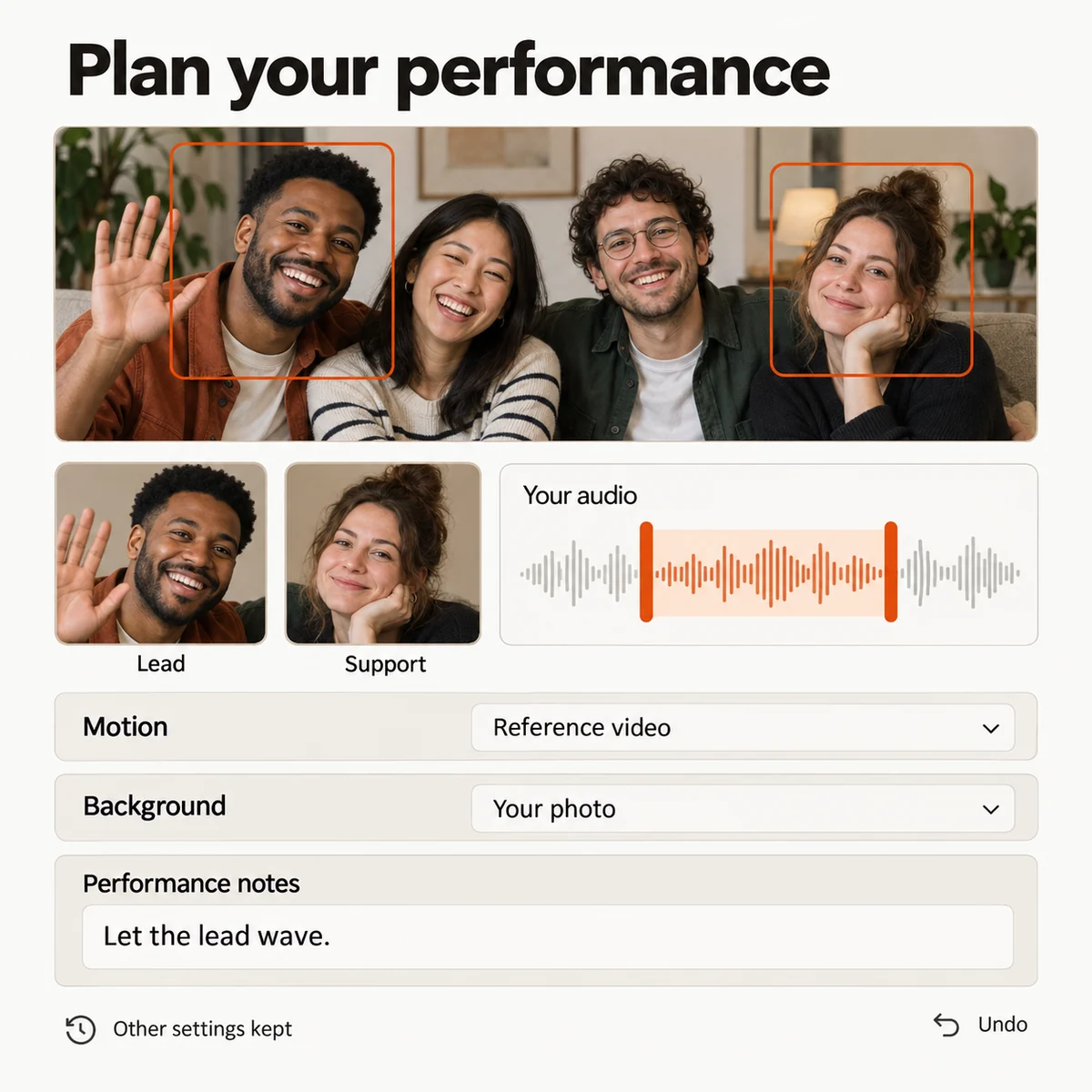
Use one clear, front-facing photo per adult, with permission from both people. JPEG, PNG or WebP, up to 10 MB per photo (large camera photos are auto-optimized).
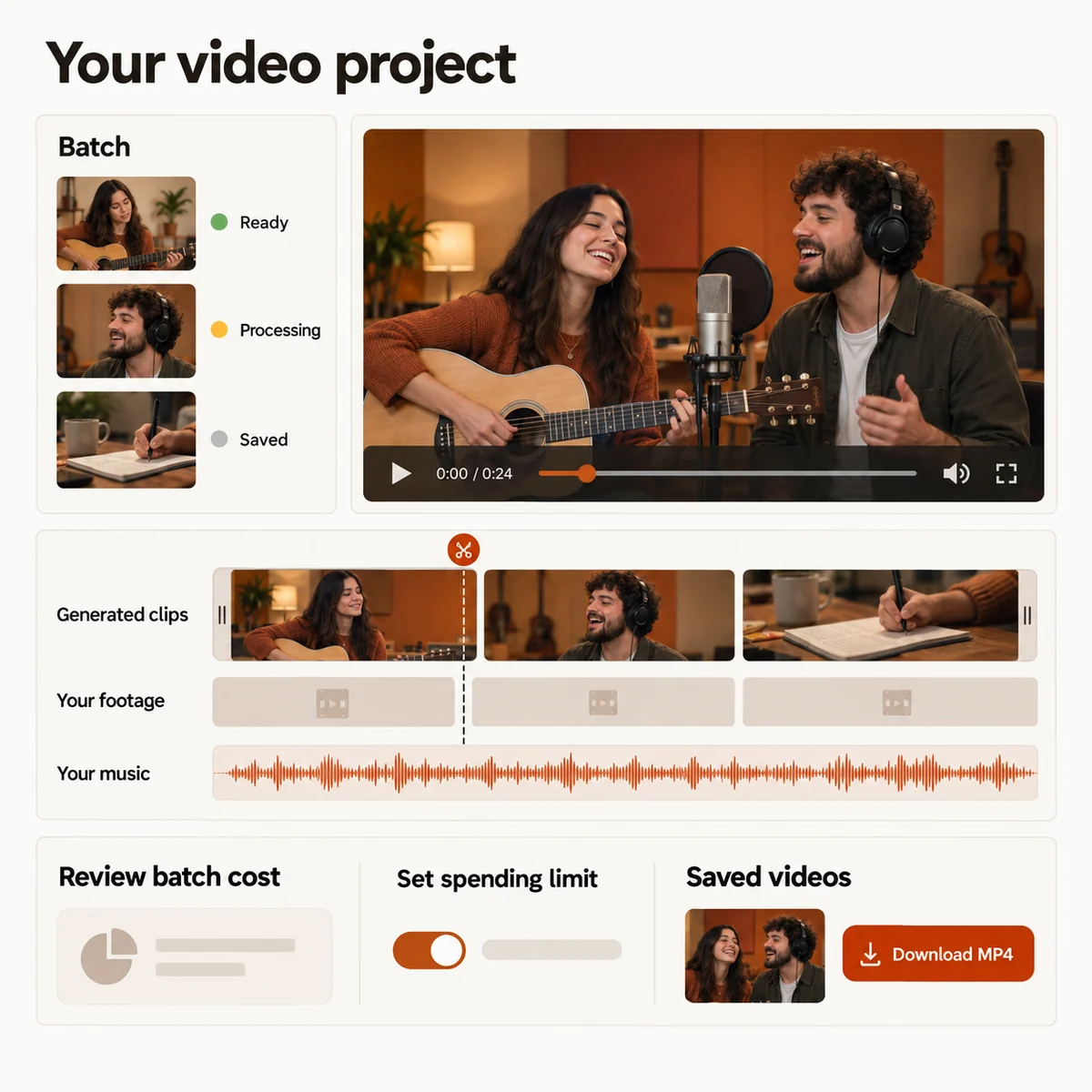
Choose duration and resolution, check the displayed credit cost, and confirm permission. Your selected photos and settings are automatically saved in your browser across sign-in and checkout.
Once your saved task has finished and output review is approved, return to preview and download the available video.
Made for your phone or desktop browser. No software to install.
YOUR PEOPLE. YOUR CREATIVE CHOICES.
Hotel Lobby AI uses one portrait of each person to create a short duo performance in a fixed orange studio scene. Start with faces that are clear and well lit; the people do not need to be photographed together. The result is AI-generated, so appearance and movement can vary.
Select any whole-second duration from 4 to 15 seconds at 480p, 720p or 1080p. There are 36 supported combinations. The form shows the credit cost for your exact selection before you submit.
Choose a 20-, 50-, 180- or 500-credit pack in the purchase section below. Credits are valid for 365 days, with no subscription or automatic renewal. Video counts depend on the settings you choose. USD prices are before applicable checkout taxes.
Once your saved task has finished and output review is approved, return to preview and download the available video.
MAKE SOMETHING WORTH SHARING
Cast yourself and a friend or partner in a duo performance. Make your own version of the orange-studio moment and share it together.
Create a Duo VideoChoose two adult portraits and make something unexpected for a birthday, an anniversary or just because.
Create a Duo VideoGym partners, old friends or work besties. Take your chemistry out of the group chat and into a short performance.
Create a Duo VideoCreate in your browser, download your MP4 and share your new double act. Let your audience know it is AI-generated.
Create a Duo VideoChoose credits or a subscription. See the exact credit cost before every generation.
Credits and subscriptionsHotel Lobby creates an AI duo video from two authorized portraits in an orange studio scene. It is an independent product, not affiliated with Migos. This tool does not offer voice cloning or music generation.
The existing demo is free to watch. Creating a new video from your own photos requires an account and paid credits. Compare the credit packs and check the displayed cost for your duration and resolution before generating.
No. Choose two separate portraits (or use our Group Photo splitter), up to 10 MB each in JPEG, PNG or WebP format. Large phone camera photos are automatically optimized.
Yes! In the studio performance controls, click "Use a group photo instead" to upload one photo containing two people. Our studio automatically detects and separates the left and right performers for the duo stage.
Yes. You can select JPEG, PNG, or WebP photos up to 10 MB each directly from your phone camera roll. Large mobile photos are automatically optimized in your browser before upload.
Yes. Beyond the iconic Orange Studio template, you can switch to Reference Video mode (upload your own MP4/MOV/WebM choreography clip) or Custom Audio mode (upload your own MP3/WAV/M4A voice or beat track) directly inside the studio.
You can start from our signature Orange Studio Duo, Silicon Valley Rap Cypher, Golden Years Rap Duo, Gym Buddies Duet, or Four-Legged Pet Cypher presets and customize duration (4s–15s) and resolution.
It depends on duration and resolution. The default 4-second / 480p setting costs 10 credits; other settings may cost more. Check the displayed cost for each video. Packs are one-time purchases and credits are valid for 365 days.
Provider demand, your chosen settings and output review can affect the wait. There is no fixed completion time. Check the saved task for its current status.
Yes! Before submission, your selected photos and studio settings are automatically saved in your browser (IndexedDB) across sign-in and checkout. After submission, your task is saved to your account.
Once the task finishes and output review is approved, the available result can be played and downloaded as an MP4. Sign in to the account that created it. Keep your downloaded copy; provider links and stored media may not remain available indefinitely.
Yes! Downloaded MP4 videos are watermark-free and formatted for TikTok, Instagram Reels, YouTube Shorts, and X. Please follow platform disclosure guidelines for AI-generated media.
The demo shows the fixed orange studio effect, but each AI result can differ in appearance, motion and detail. Identity and movement are not guaranteed. The video is synthetic and should not be presented as footage of a real event.
A confirmed generation failure restores that task’s reserved credits once. A task still running or awaiting confirmation needs a status check before an outcome is settled. Uncertain submissions are not automatically generated again. Restoring credits is separate from a payment refund.
No. Credit restoration after a confirmed generation failure and refunding a purchase are different processes. Contact support with your order reference for a refund review; applicable consumer rights and the payment provider’s rules continue to apply.
Uploaded portraits are stored in private, access-controlled storage and used strictly to generate your requested video. They are never shared publicly or used to train public models.
Need help with a task or want to report a concern? Contact and reports
THE STUDIO IS YOURS
Add your photos. Give your favorite duo a whole new stage.
